Personalize the user portal
ADSelfService Plus allows you to personalize your user portal experience by configuring your preferred language and theme color. These settings help you customize the appearance of the portal based on your preferences.
How do I personalize the user portal?
- Log in to the ADSelfService Plus User Portal.
- Click the drop-down menu next to your profile icon in the upper-right corner of the page.
- Select Personalize.

Fig 1: Selecting Personalize from the user menu.
- In the Personalize window, configure your preferred settings.
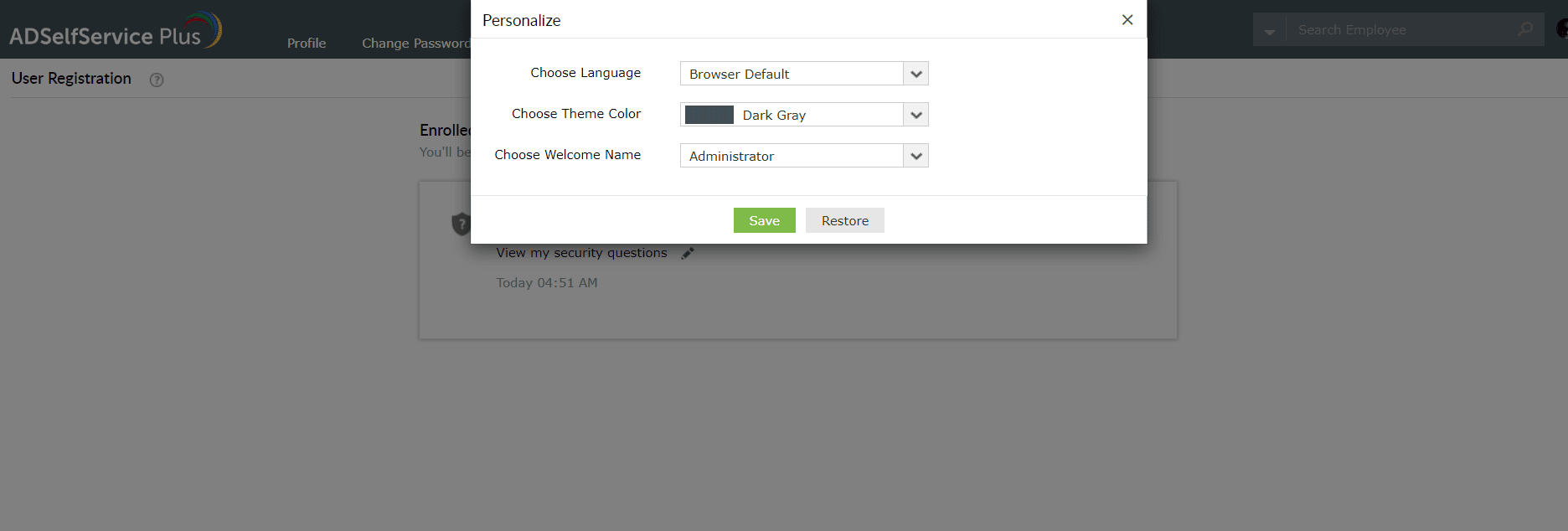
Fig 2: Configuring your preferences in the Personalize window.
- Click Save.